Kontakt Scripting: Level 1
About Course
Build your first scripted instrument and learn the fundamentals of Kontakt development.
This course is designed for absolute beginners who want to start scripting in Kontakt but don’t know where to begin. Through a step-by-step, hands-on approach, you’ll build a fully functional drum kit instrument while learning how to work with variables, callbacks, control statements, functions, and sample mapping.
You’ll also discover how to achieve many common Kontakt features without writing any code, using only the built-in tools. By the end of the course, you’ll understand the core concepts of Kontakt scripting and be ready to create your own custom instruments with confidence.
This course was originally published in 2014 and has helped hundreds of developers take their first steps into Kontakt scripting. While Kontakt has evolved over the years, with new features, improved UI, and the introduction of Creator Tools, the core scripting language (KSP) remains fundamentally the same.
Although some newer workflows and tools are not covered here, everything you learn in this course still applies to modern versions of Kontakt. The principles, techniques, and coding patterns demonstrated are just as relevant today as they were when the course was first released.
If you’re using a recent version of Kontakt, you’ll still benefit from a rock-solid foundation in KSP, and you can always build on it with newer resources once you’re comfortable with the basics.
Note: As I no longer actively work with Kontakt or KSP, instructor support for this course is limited.
Course Content
Foundations of Kontakt Scripting
-
10:54
-
Inside a Kontakt Sample Library
05:46 -
Getting Started with the Script Editor
09:27 -
Callbacks: Responding to Events
12:51 -
Working with Variables and Data Types
33:44 -
Using Operators in Your Scripts
05:49 -
Adding Logic with Control Statements
39:13 -
Using Built-In Functions
08:07 -
Importing and Mapping Samples
41:22 -
Scripting the Drum Kit
01:08:27 -
No-Code Drum Kit
31:31 -
Bonus Video: Behind the Scenes of Alive Underground Drums
14:04
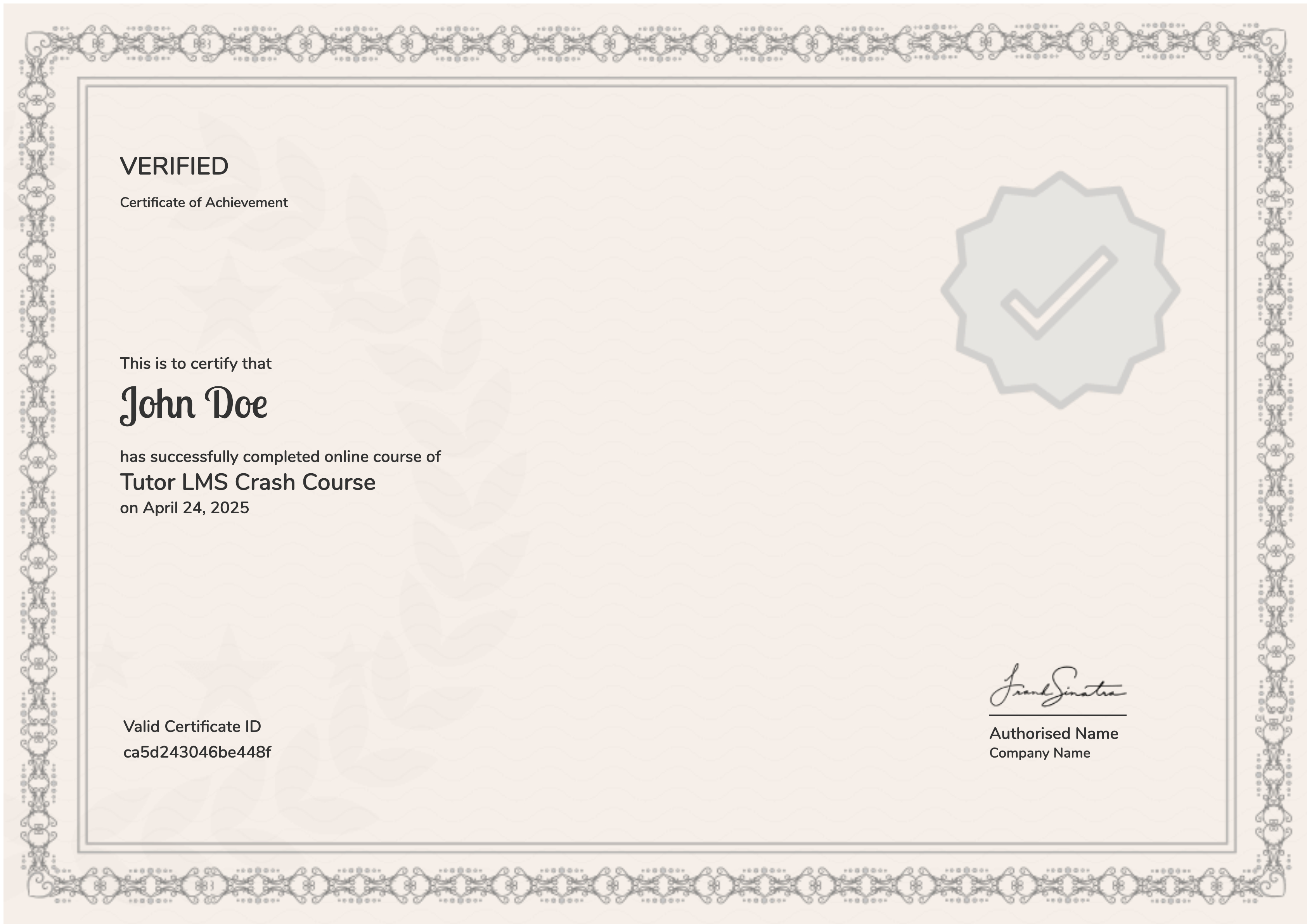
Earn a certificate
On finishing the course, you’ll receive a certificate of completion as a record of your work.
Student Ratings & Reviews
Higly recommended! A+++
-Originally reviewed as part of the full bundle.
-Originally reviewed as part of the full bundle.
very detailed and easy to follow videos with clear instructions and explanations of the fundamentals one must understand when writing scripts in Kontakt. It’s paced well for beginners and a great foundation for those who wish to dive deeper!
-Originally reviewed as part of the full bundle.