Kontakt Scripting: Level 4
About Course
Learn to script faster, cleaner, and at a professional standard.
In this final level of the Kontakt scripting series, we shift from instrument-by-instrument coding to building a reusable scripting framework that saves time, reduces errors, and scales effortlessly across projects.
You’ll build ACME Drum II – a feature-rich drum library with tabbed UI, mic mixer, EQ presets, non-repeating round robins, and inter-slot data sharing.
Originally published in 2014, this course remains fully relevant today. While Kontakt has evolved, the advanced scripting concepts and structured workflow taught here continue to reflect best practices used in professional sample library development.
To follow along more easily, I recommend using:
-
Sublime Text – a fast and flexible text editor
-
SublimeKSP – a plugin that adds syntax highlighting and workflow tools for Kontakt scripting
By the end of this course, you’ll not only have built a complete, production-ready instrument, you’ll also walk away with a reusable codebase and development process to accelerate every Kontakt project you tackle in the future.
Note: As I no longer actively work with Kontakt or KSP, instructor support for this course is limited.
Course Content
Advanced Scripting Techniques
-
03:28
-
Building a Kontakt Scripting Framework (MVC Style)
26:27 -
Macros, Code Imports, and Building Your First UI Library
01:22:43 -
Setting Up the Instrument and Sample Mapping
05:24 -
Scripting the Tabbed Interface and Mixer UI
53:08 -
Scripting Mixer Controls, Mute/Solo Logic, and Task Functions
43:42 -
EQ Preset System with Properties and 2D Arrays
34:23 -
Non-Repeating Round Robins and PGS Keys
23:12 -
Wrap-Up and Final Thoughts
04:03
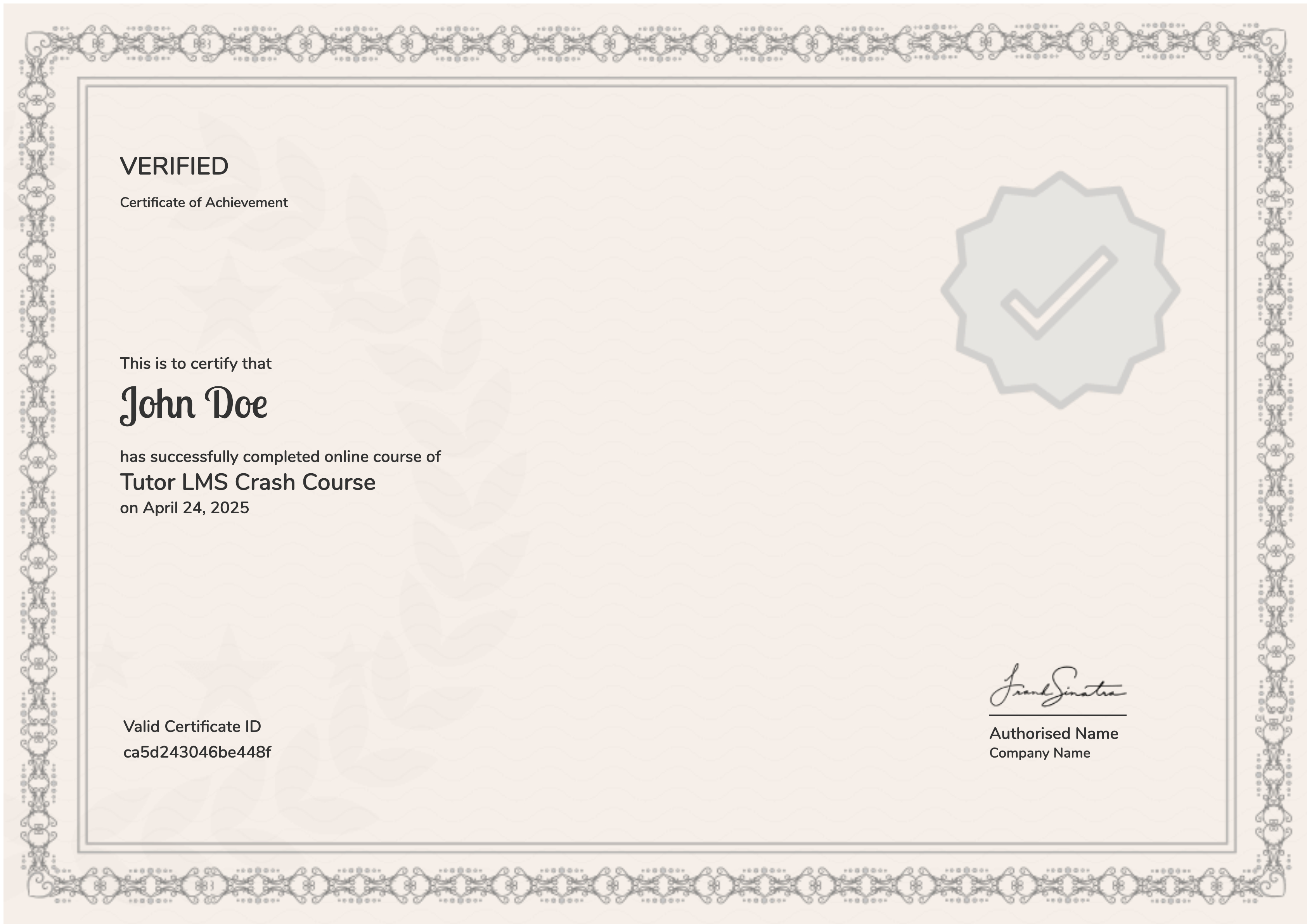
Earn a certificate
On finishing the course, you’ll receive a certificate of completion as a record of your work.
Student Ratings & Reviews
- Originally reviewed as part of the full bundle.
I’ve just finished the collection a few days ago and I have to say they are absolutely awesome ! Clear and really well explained. The time saved by watching them is, without any doubt, huge.
These tutorials are invaluable.
- Originally reviewed as part of the full bundle.